


Easily enhance your photos
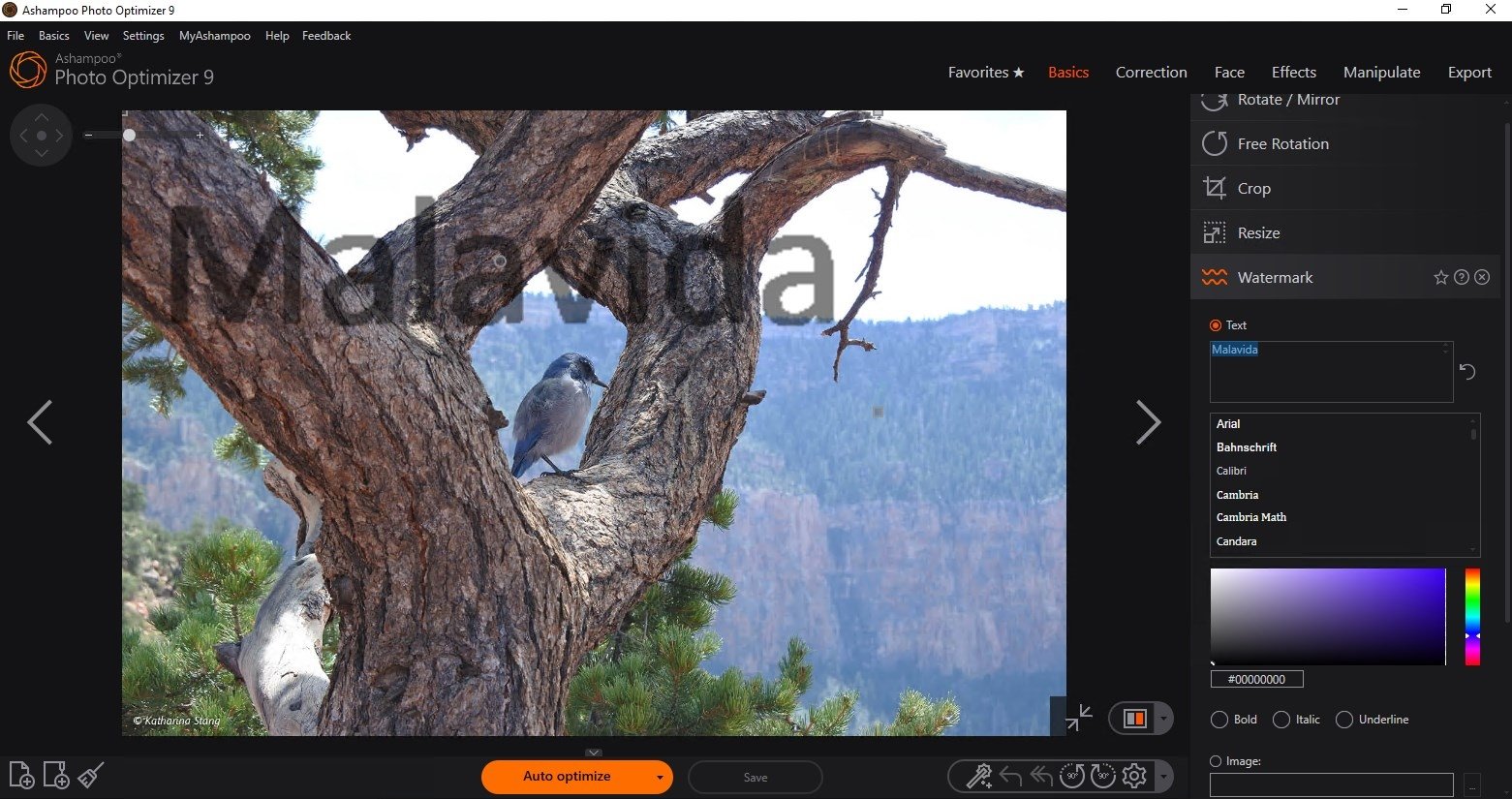
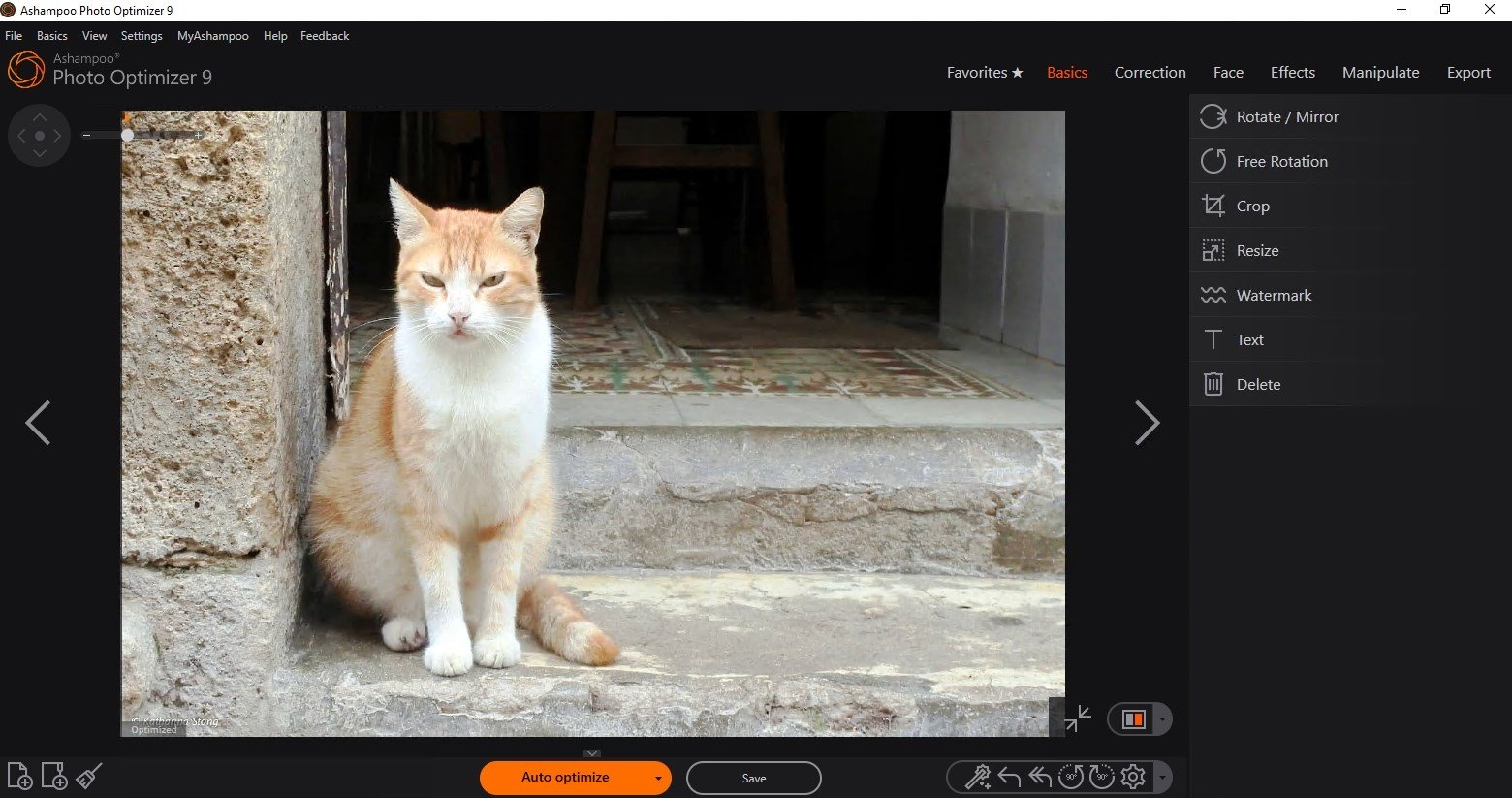
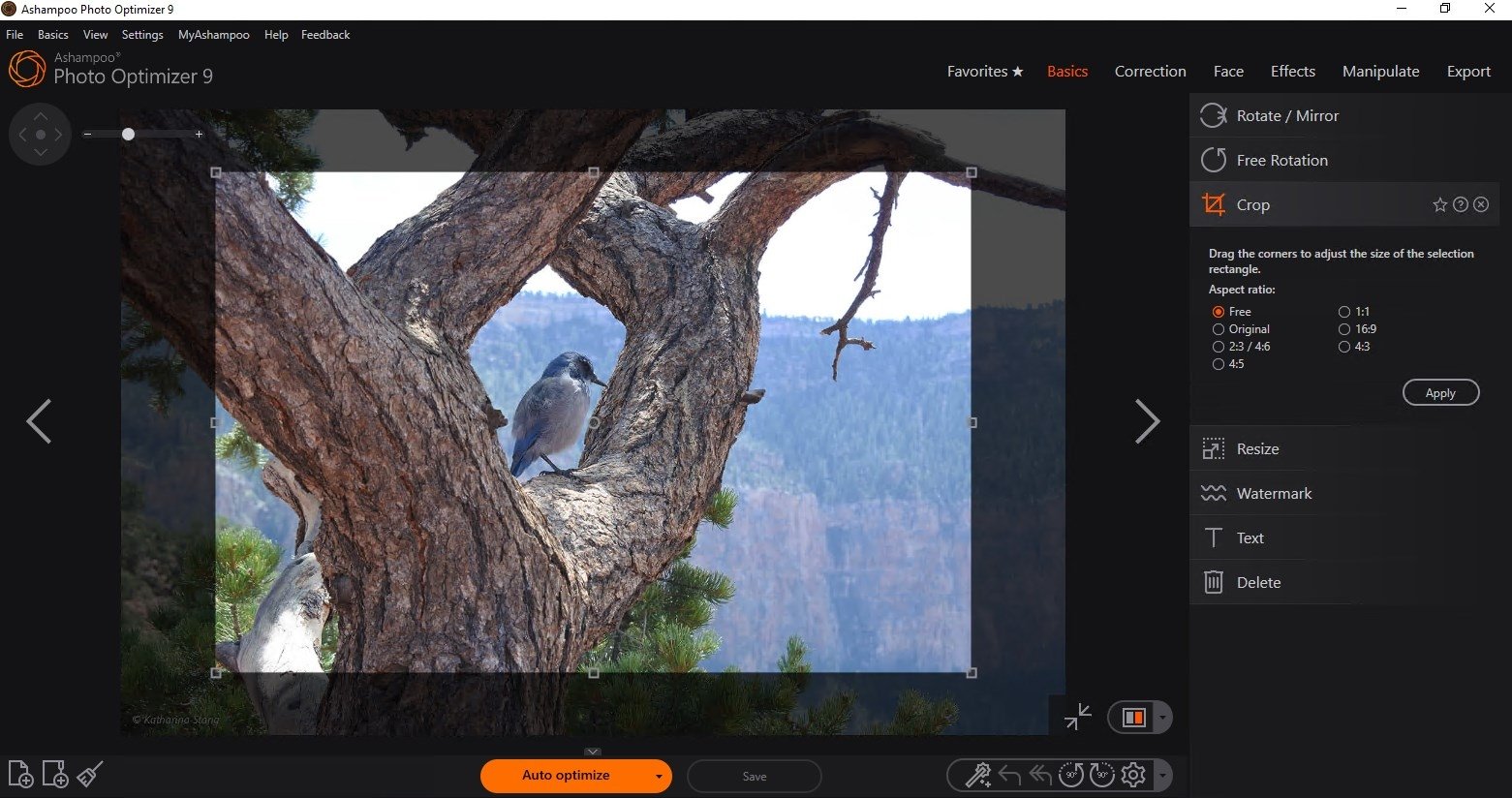
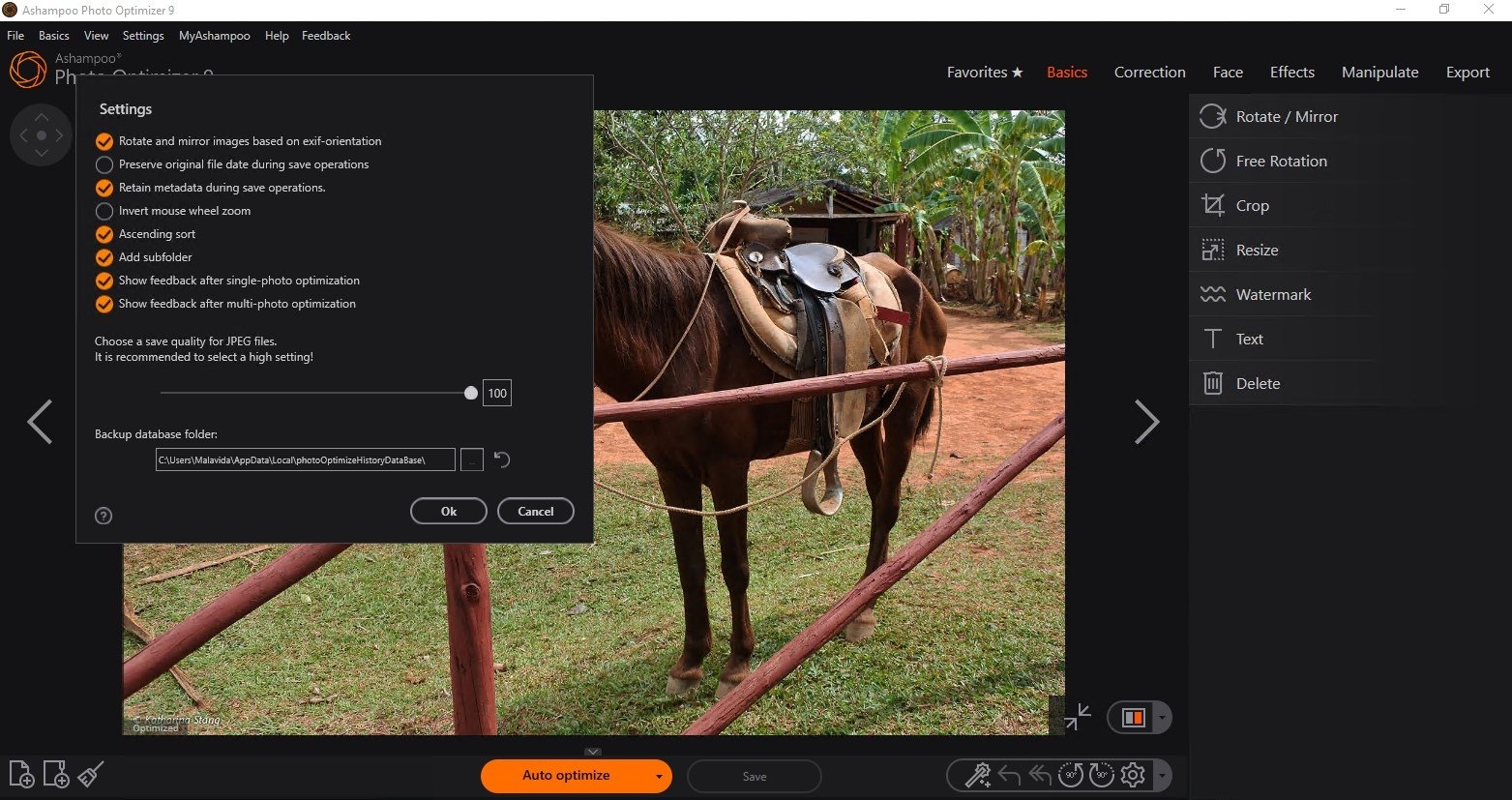
Ashampoo Photo Optimizer is a simple program that will allow you to easily and quickly edit your photos. On many occasions, you will want to apply small enhancements to your images, or maybe fix some small flaws. If you don't want to have to resort to a complete editing application, Ashampoo Photo Optimizer will make the task much easier for you.
Ashampoo's app to enhance photos
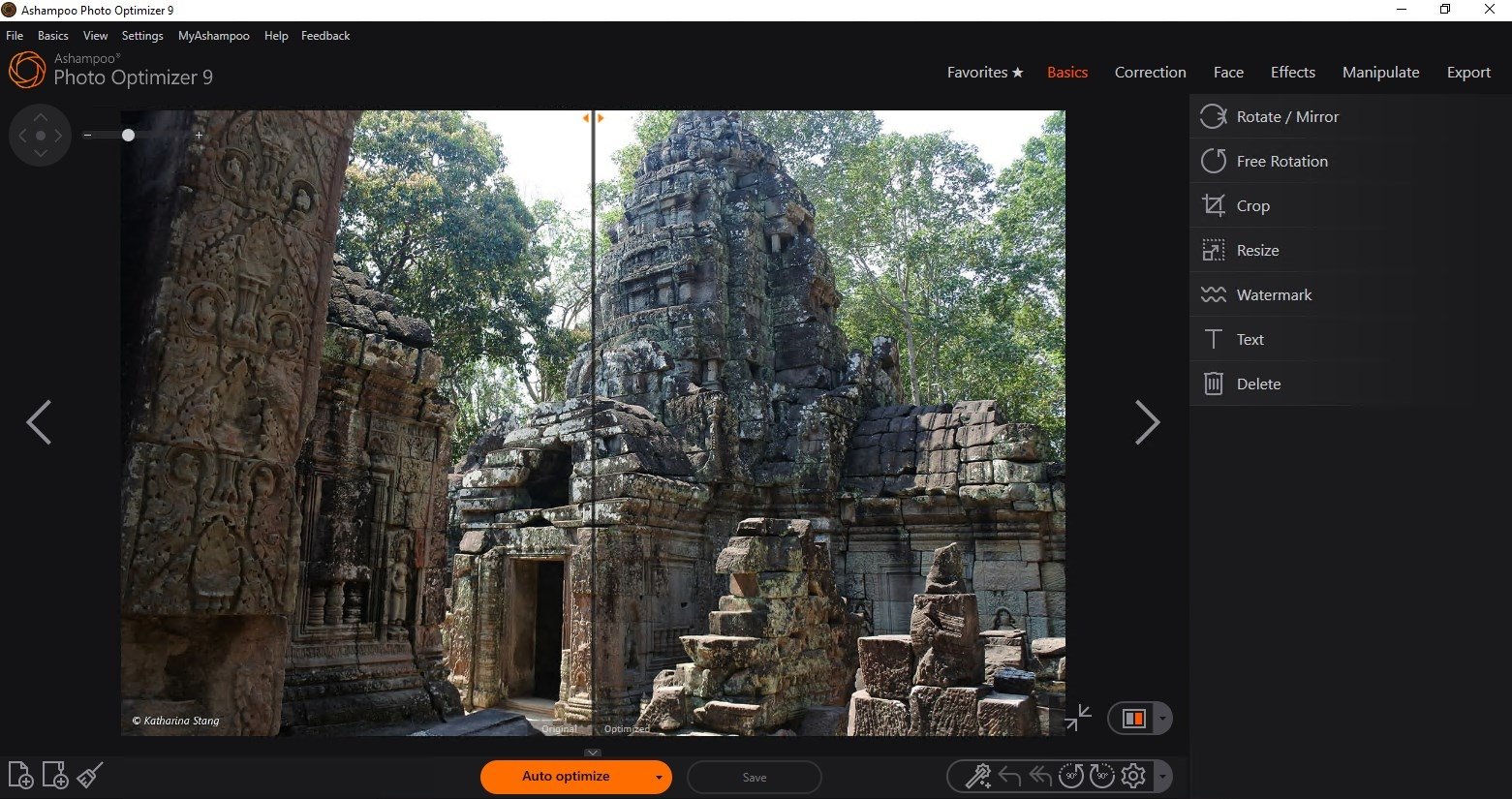
Your photos may contain small imperfections, like for example, red eyes. Ashampoo Photo Optimizer has a function to quickly fix this and without any further complications. It also has a useful function that will automatically optimize your images, fixing the brightness, saturation and contrast, improving your photographs with a simple click of the mouse.
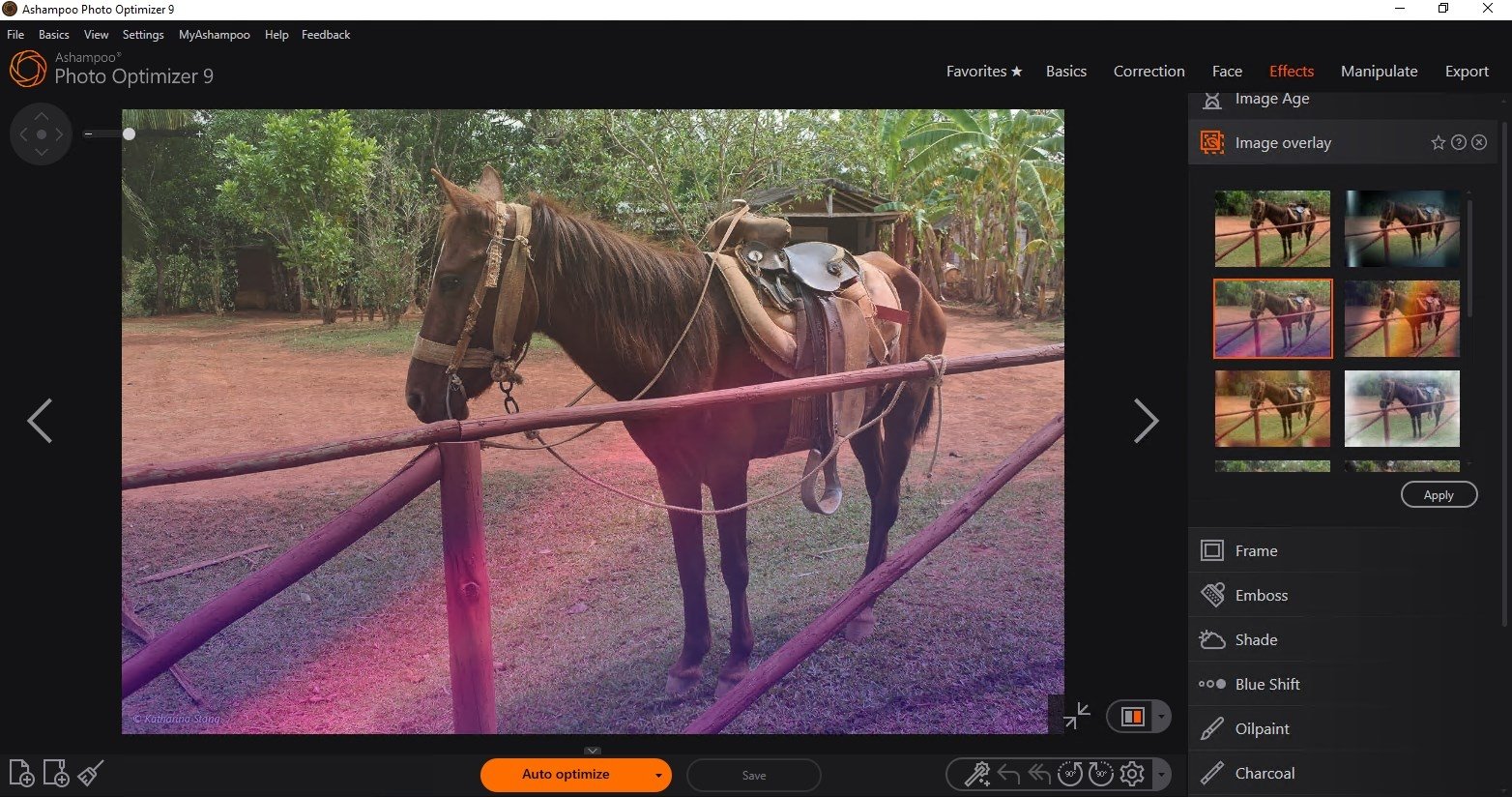
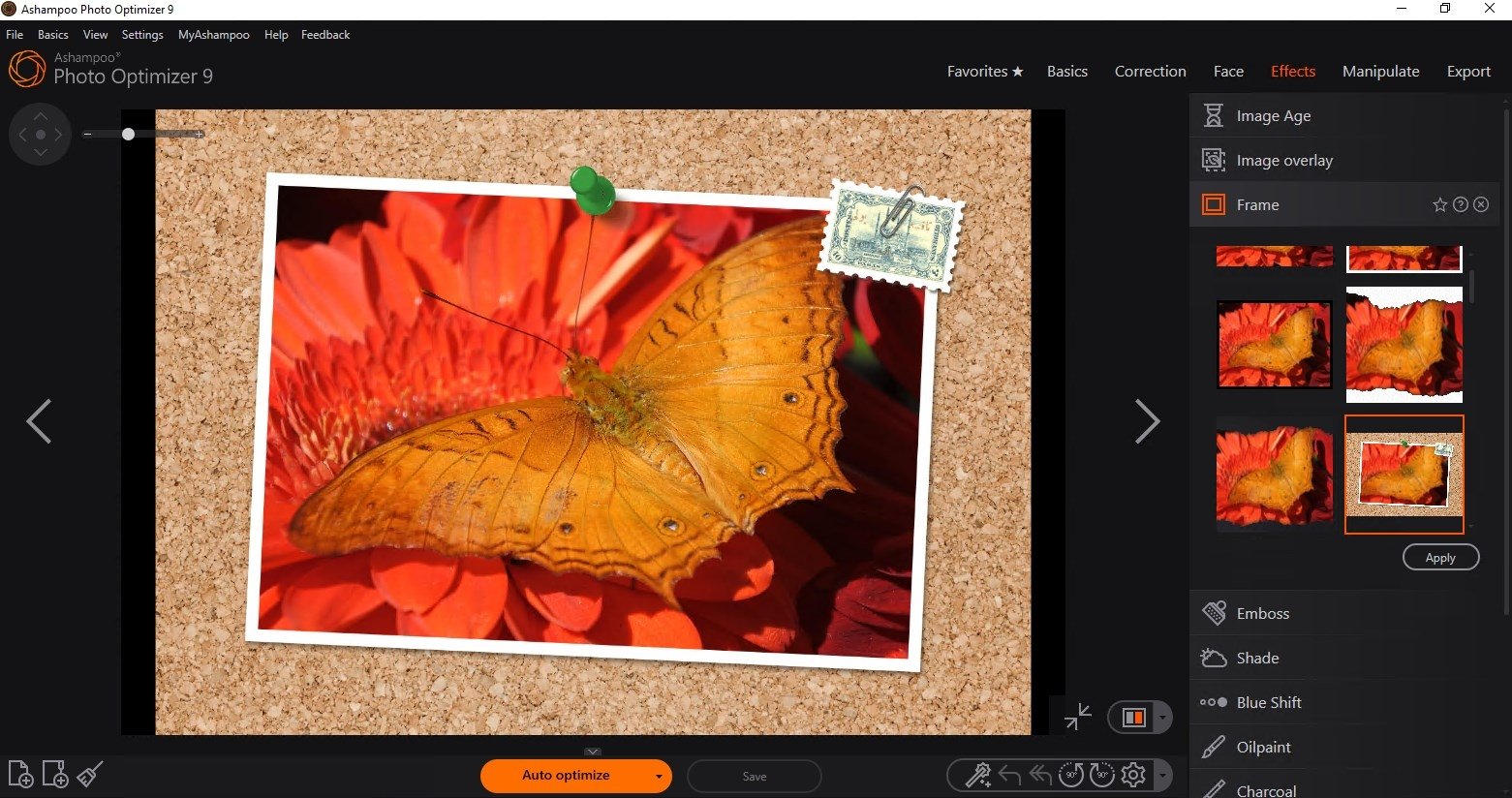
Ashampoo Photo Optimizer also allows you to apply simple effects to the images: sepia color, inverted color or grayscale transformation, this means, eliminating color information. One of the positive aspects of the application is how easy it is to use and the possibility to undo your actions.
 Leticia Sorivella
My name is Leticia. I really like movies, television, and music. That is why I studied Audiovisual Communication. In the beginning, I wanted to work in movies, but I ended up on television. Then, I went from being behind the cameras to being in...

Antony Peel